
Download Snap Me Up – alarm app, selfie alarm, wake up with selfie, morning alarm, productivity tool, Android app, free alarm, nap timer
Overview
Snap Me Up is a productivity-focused Android application designed to help users overcome the common struggle of hitting snooze and failing to wake up fully. The app introduces a unique approach to alarm functionality by requiring users to take a selfie when the alarm sounds. This mechanism ensures that the user is physically present and alert, reducing the likelihood of accidental or lazy snoozing. The core purpose of the software is to promote wakefulness through active engagement, making it particularly useful for individuals who frequently struggle with morning grogginess or unintentional oversleeping. The app is suitable for a wide range of users, including students, professionals, and anyone seeking a more effective way to start their day. It can also be used as a nap timer, offering the same features in a shorter time frame. Real-world usage scenarios include early morning commutes, fitness routines, or scheduled study sessions where consistency is key. While the developer, Snap Me Up Team, is identified, no further details about the organization’s background are available. The app functions as a standalone desktop-like experience on Android, integrating seamlessly with the device’s camera and alarm system.Key Features & Capabilities
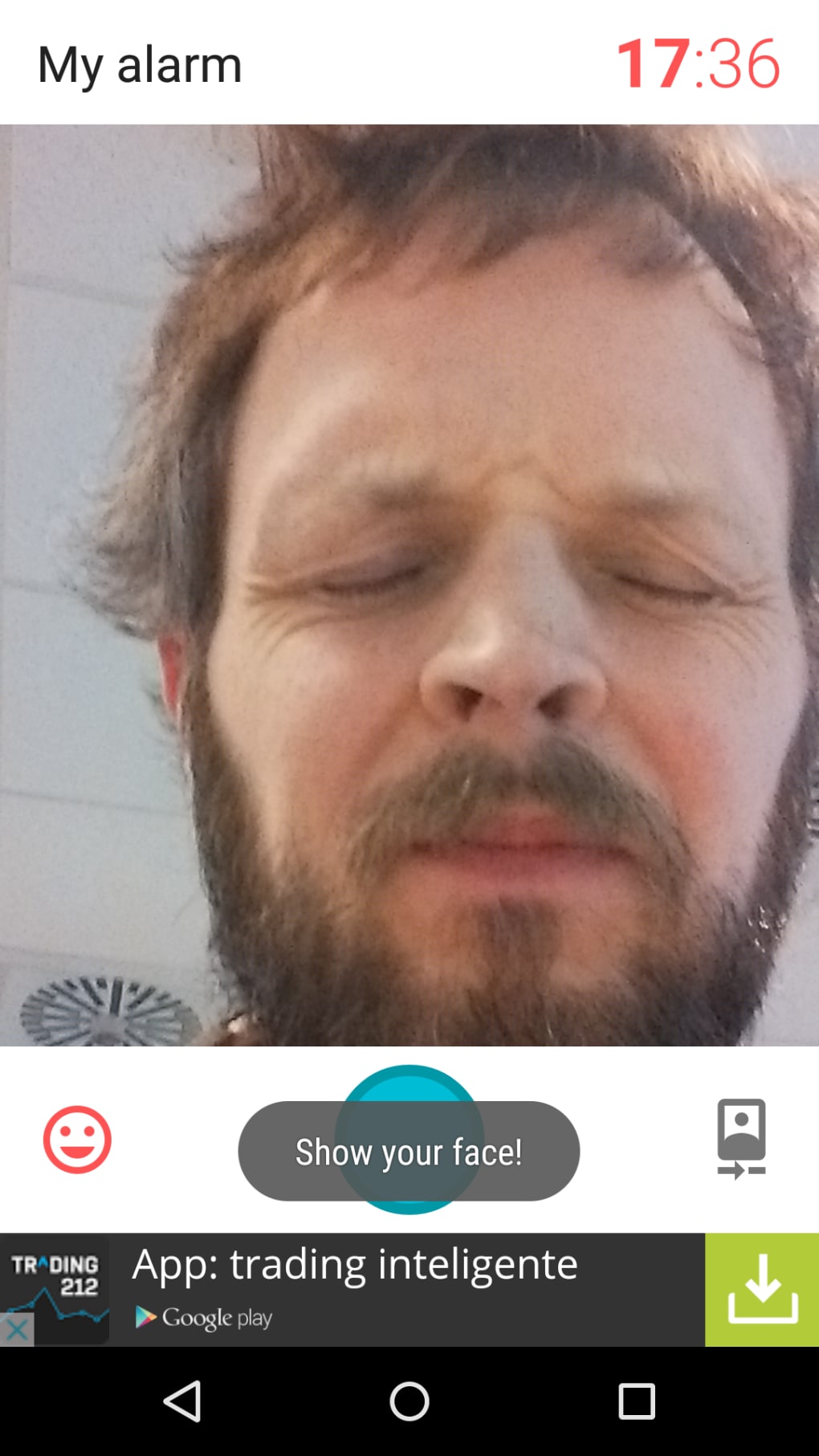
- Selfie-Based Alarm Activation – When the alarm triggers, users must take a clear selfie to stop it. The app uses facial recognition to verify that a real person is present, discouraging attempts to cheat by using photos or covering the camera.
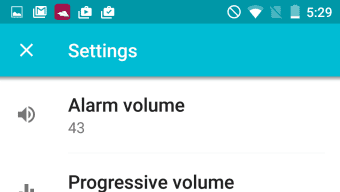
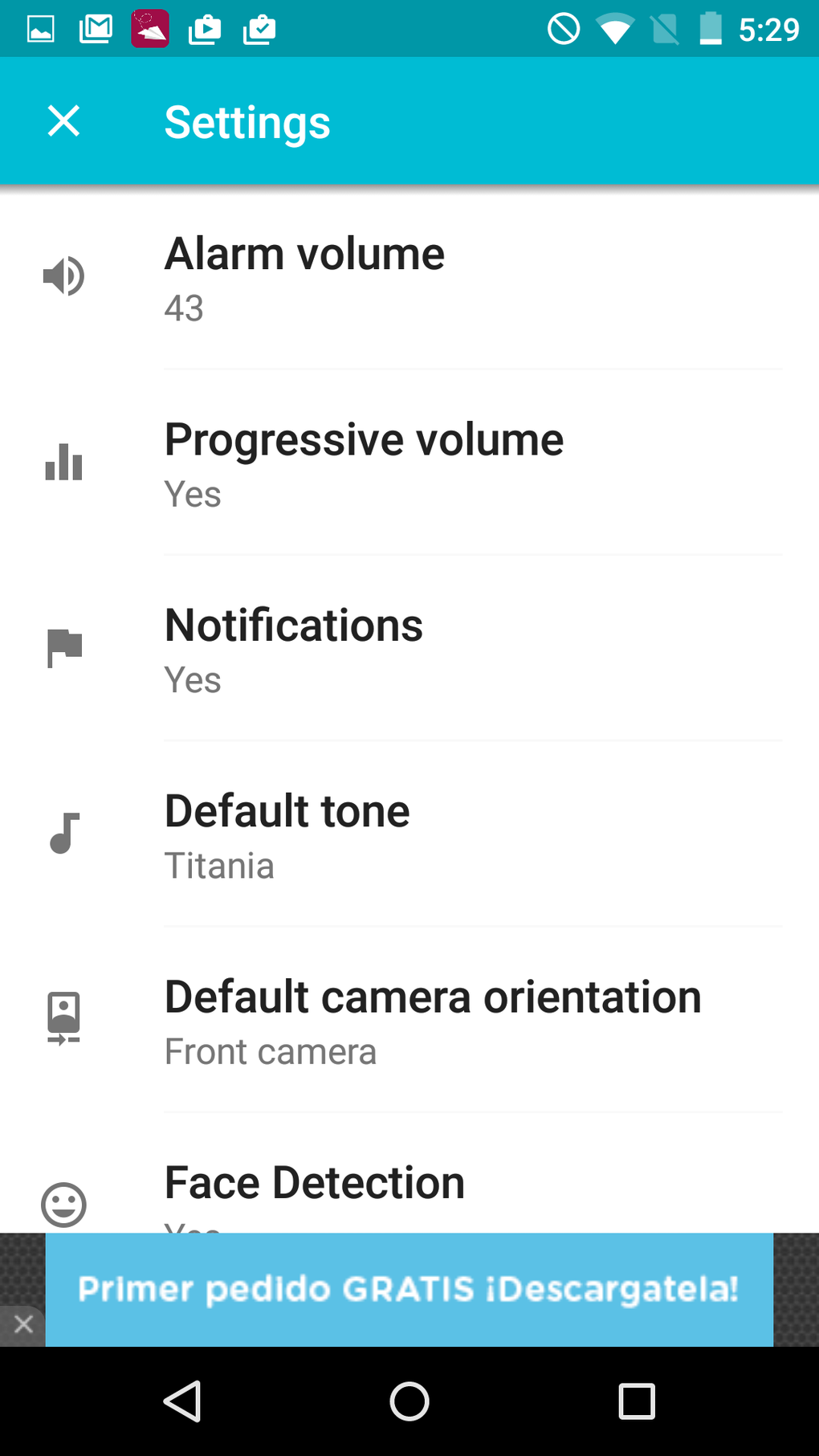
- Customizable Alarm Settings – Users can set specific alarm times, choose repeat schedules, and select from various ringtones to suit personal preferences.
- Nap Timer Functionality – A built-in timer allows users to set short wake-up intervals, functioning similarly to the main alarm but tailored for midday naps or quick rest periods.
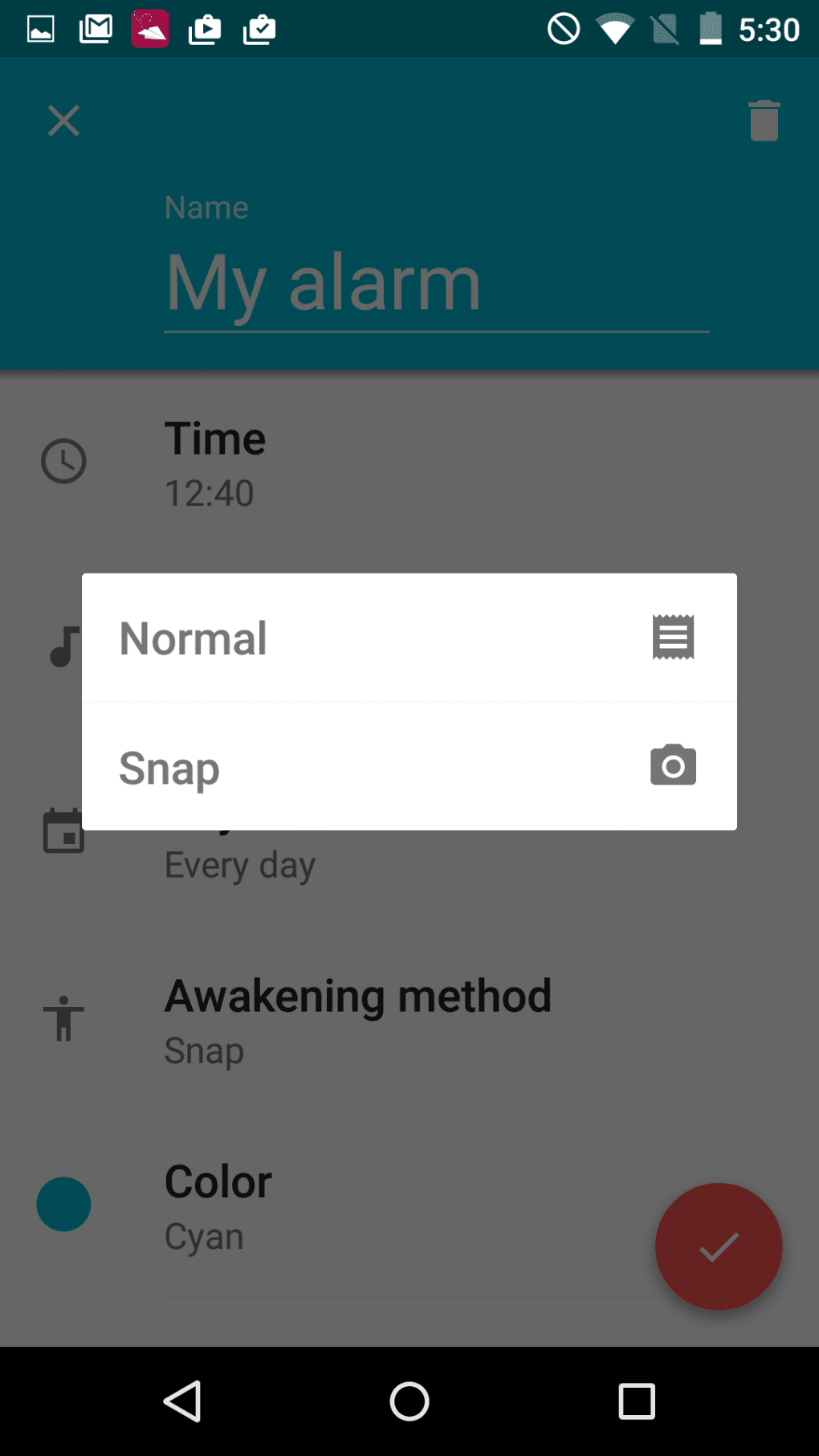
- Photo-Based Wake-Up Option – Users can disable the selfie requirement and instead have the alarm trigger with a random image from their photo library, offering a more traditional alarm experience.
- Simple, Intuitive Interface – The app features a clean layout with straightforward navigation, allowing users to configure alarms and manage settings without a steep learning curve.
User Interface, Workflow & Performance
The user interface of Snap Me Up is minimalistic and focused on usability. The main screen displays alarm settings, including time, repeat options, and ringtone selection, with clearly labeled buttons and icons. Navigation is linear and predictable, making it easy for users to set up alarms or switch between modes. The workflow for setting a new alarm involves selecting a time, choosing a trigger method (selfie or photo), and confirming the settings—all within a few taps. When the alarm activates, the app transitions to a full-screen camera view, prompting the user to take a selfie. The interface provides real-time feedback, such as a face detection overlay, to guide users in positioning their face correctly. The app does not display performance metrics or resource usage details. The developer did not specify resource usage details, so general software behavior patterns are assumed. Stability appears consistent based on available information, with no reports of crashes or freezes.Compatibility & System Requirements
Snap Me Up is designed for Android devices and is compatible with the latest versions of the operating system. The software version is 1.3.2, with a file size of 12.5 MB, indicating a lightweight installation. The developer did not provide additional system requirements, so exact hardware specifications such as RAM, CPU, or storage minimums remain unspecified. Compatibility information was partially provided, and users should ensure their device supports the camera and alarm services required for full functionality.Pros and Cons
Pros
- Unique selfie-based wake-up mechanism promotes alertness
- Simple and intuitive interface suitable for all users
- Can be used for both morning alarms and nap timers
- Free to download and use with optional ad-free upgrade
- Offers alternative wake-up options, including random photo triggers
Cons
- Ad-supported model with moderately intrusive advertisements
- No option to fully disable ads without in-app purchase
- Limited customization for selfie detection sensitivity
- Exact system requirements not disclosed
- Camera access required, which may raise privacy concerns for some users
FAQ Section
Is Snap Me Up available for iOS devices?
The app is currently only available for Android. No information is provided about future iOS compatibility.
Can I use Snap Me Up without taking a selfie?
Yes, users can disable the selfie requirement and choose to wake up with a random photo from their library instead.
Is the app safe to use?
As a free Android application, Snap Me Up requires camera access. Users should review permissions carefully and ensure they trust the source. No security vulnerabilities have been reported.
How often does the app update?
Updates are released periodically by the developer. The latest version available is 1.3.2, released on July 15, 2023.
Does Snap Me Up work offline?
Yes, the app functions entirely offline once installed. It does not require an internet connection to operate, making it reliable for daily use.





.png)

